
Embed Custom YouTube Video Segments
Insert and embed a precise YouTube clip with custom start and stop timestamps.
Clip multi-source videos, write Markdown notes, collaborate with others, and generate one-click AI summaries
Free features
What are the features:
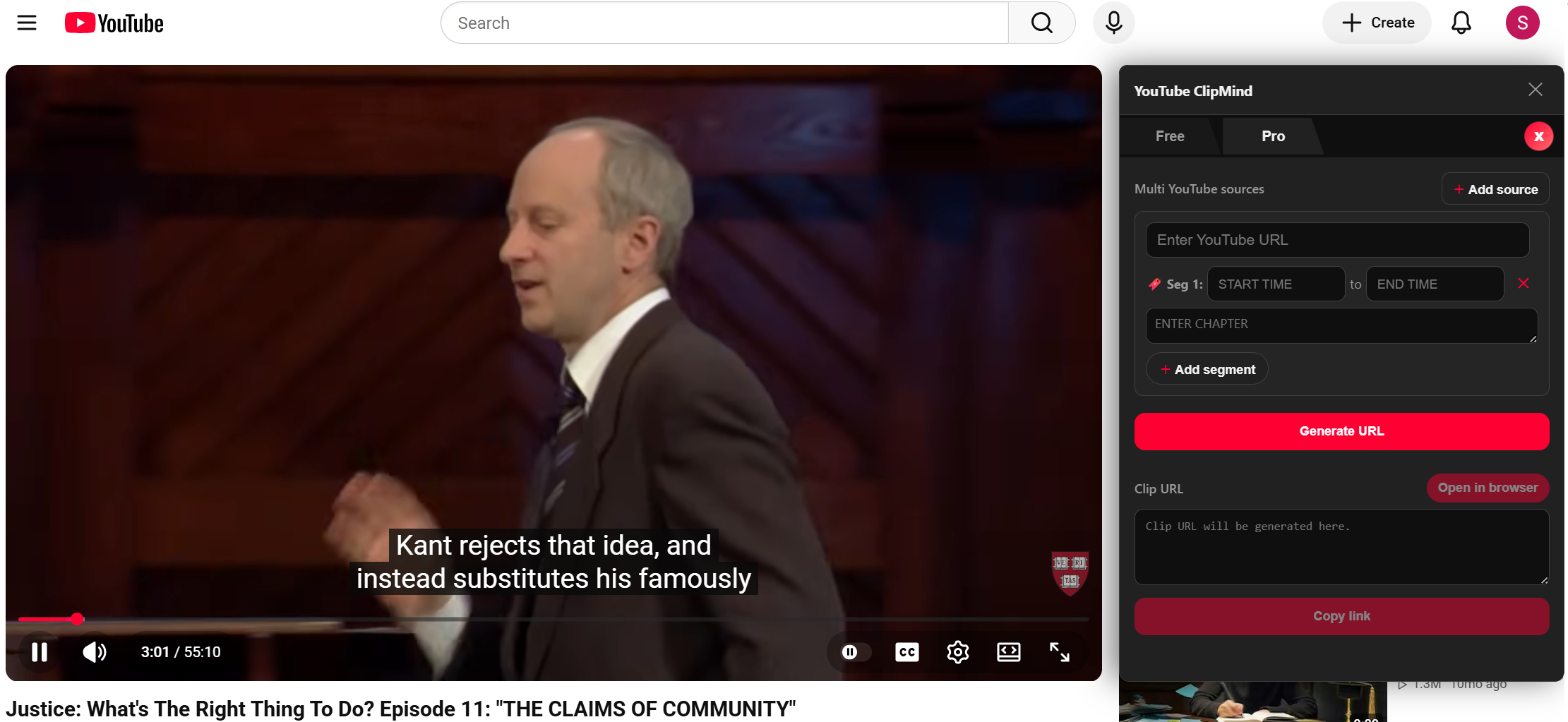
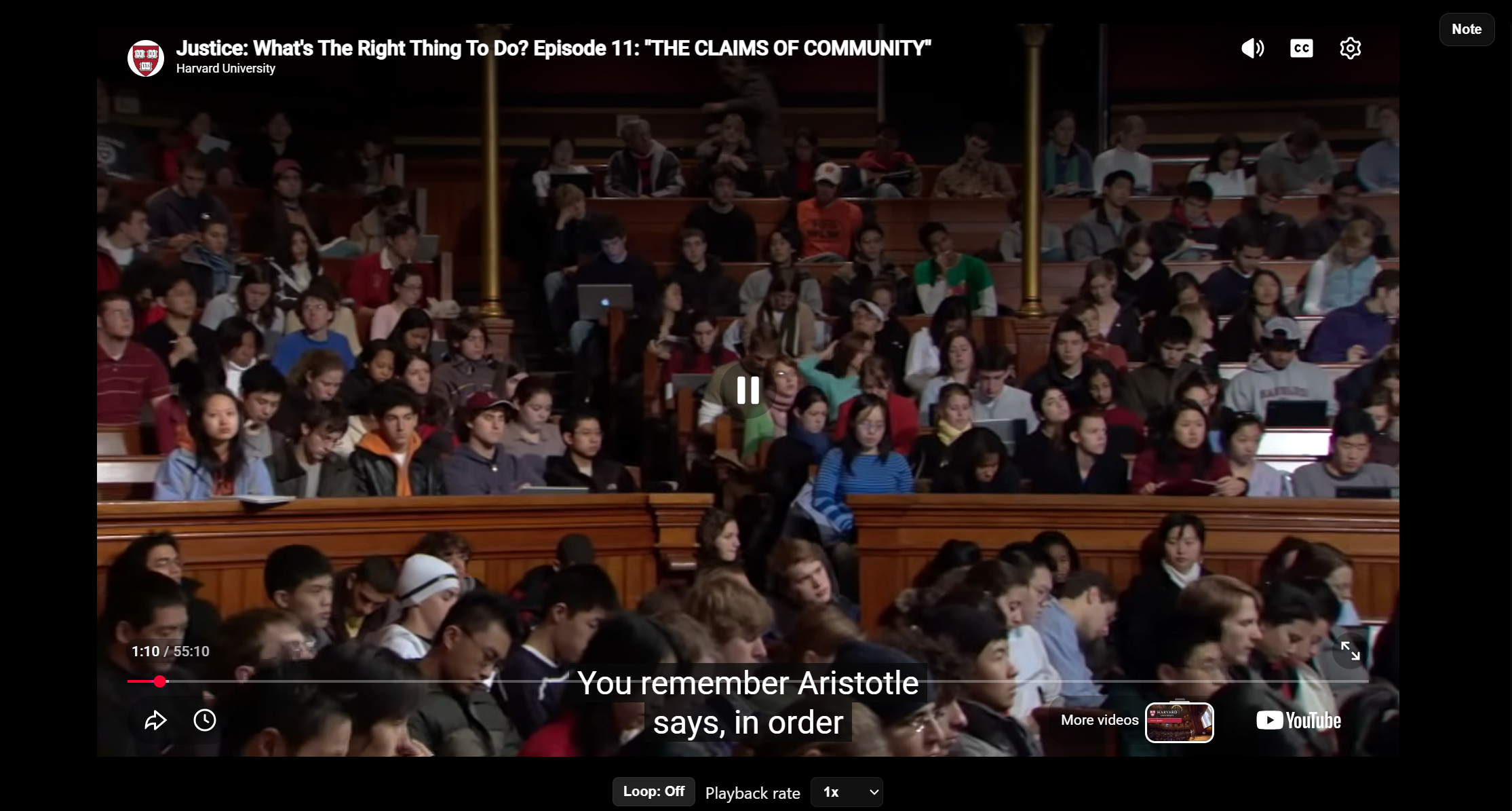
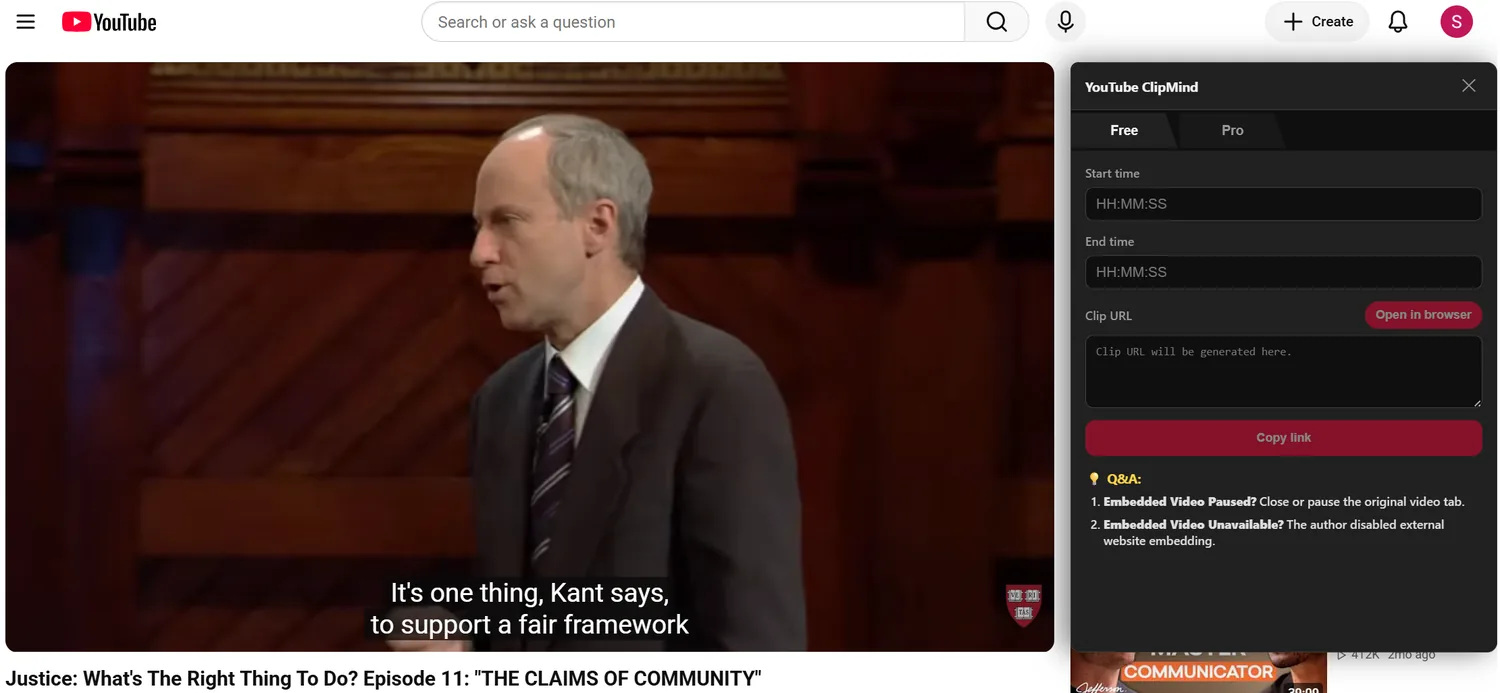
Embed Custom YouTube Video Segments
Insert and embed a precise YouTube clip with custom start and stop timestamps.
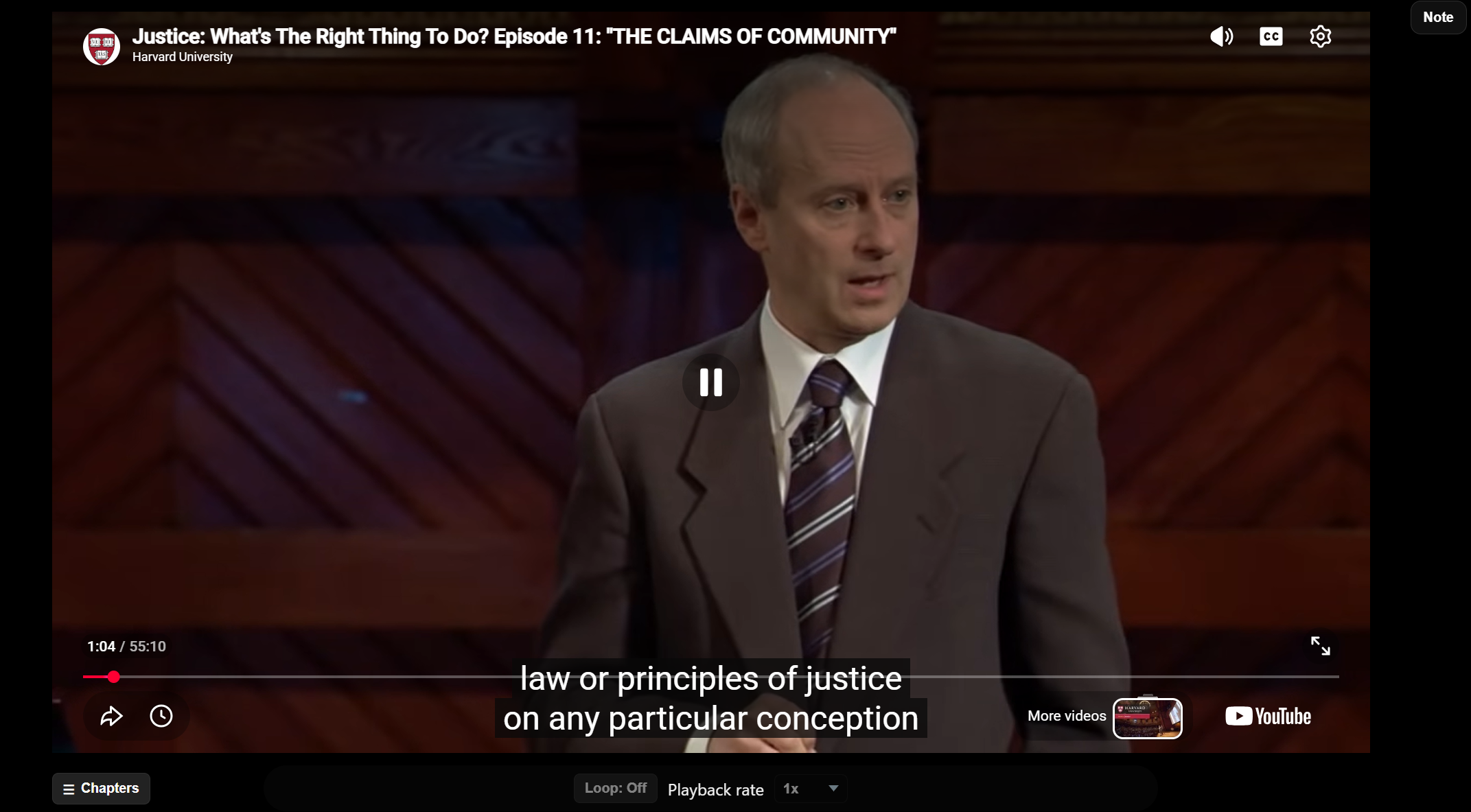
Loop video with Custom Playback Speeds
Repeat a specific video segment automatically with adjustable speeds.
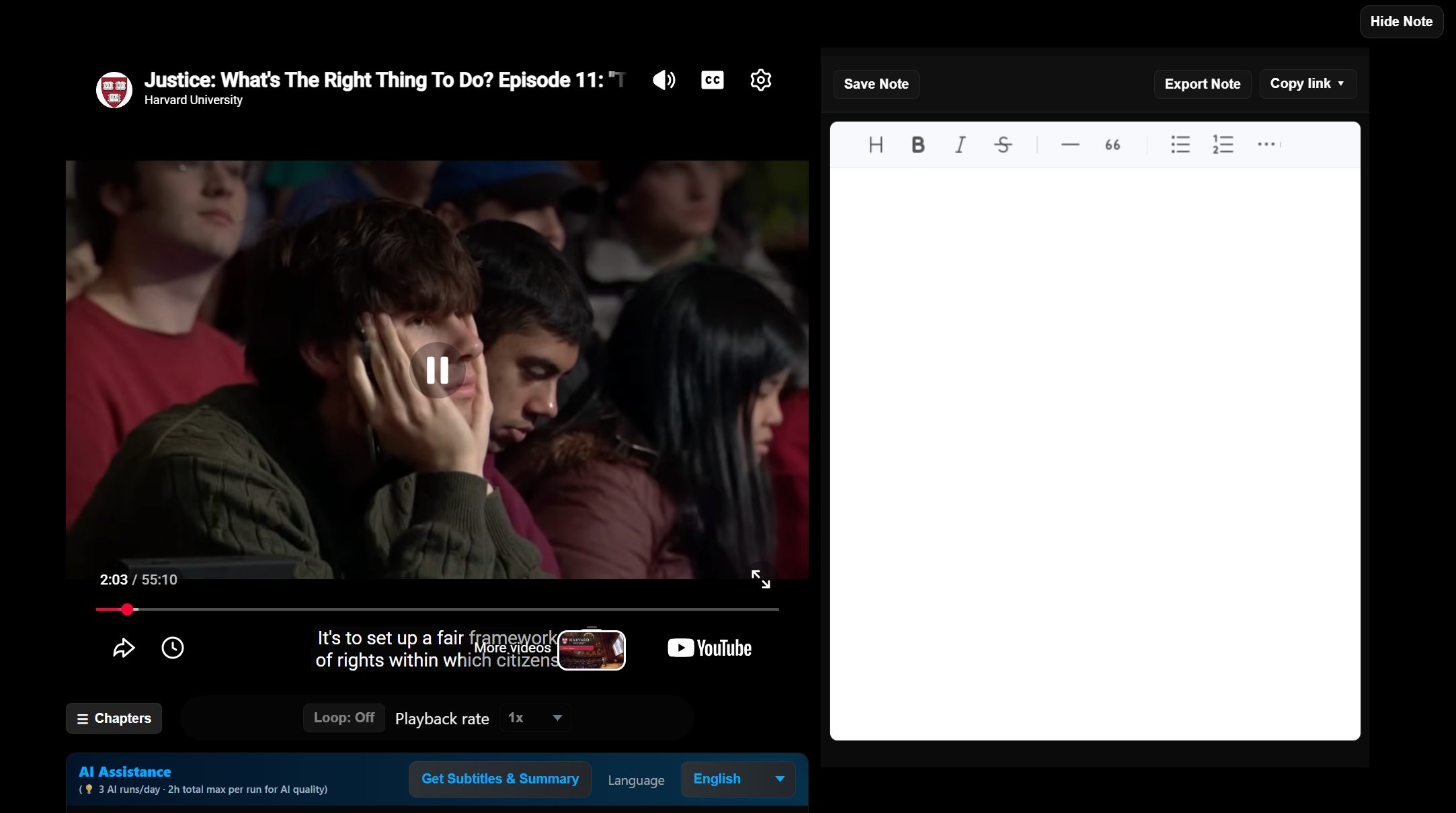
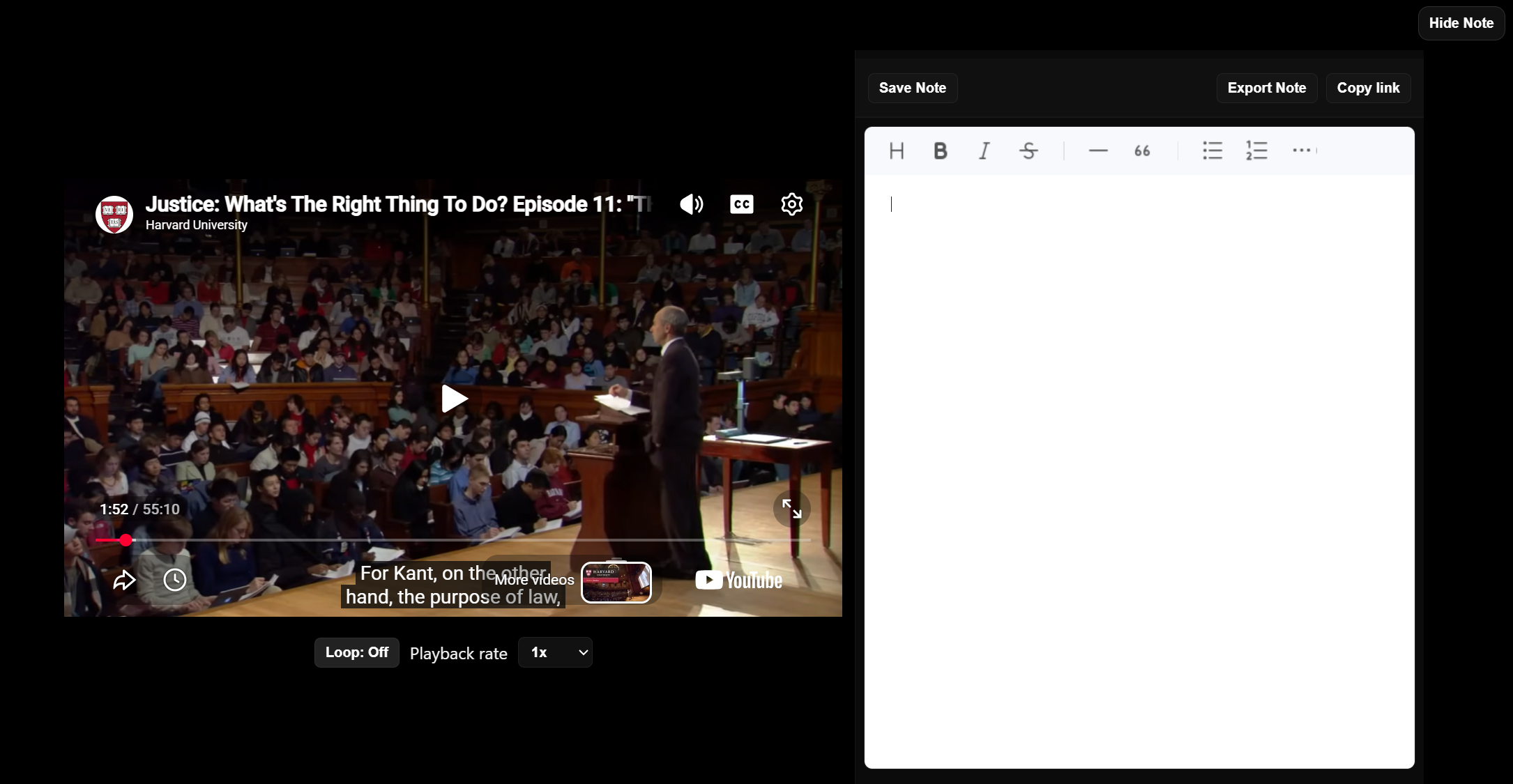
Take Markdown Notes Side-by-Side
Watch your favorite YouTube videos alongside a dedicated Markdown note panel.
Save & Sync Video Links with Notes
Keep your video URLs and matching Markdown notes paired and up to date.
Export Markdown Notes Only
Instantly download Markdown (.md) files directly to local storage.
Share Shared-Link Co-Editing
Send a permanent, single link that allows collaborators to edit the exact same note directly.
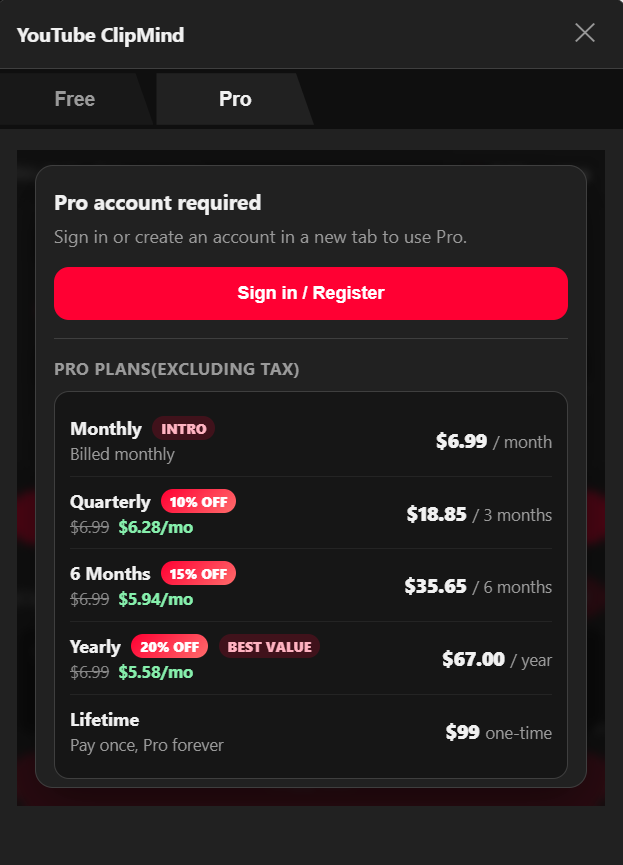
Pro features
$6.99/Month
Billed monthly
What are the features:
Everything from Free Plan
Multi-Source & Multi-Segment Embedding[PRO]
Combine clips from multiple YouTube videos in one player—each with custom chapter titles—and play them back in order with exact start/stop times.
One-Click AI Summary[PRO]
Get instant AI summaries across all segments in your project. Results flow straight into your Markdown notes. (Up to 3 runs/day; ~2 hours of source video per run for best quality.)
Advanced link sharing [PRO]
View-only links, shared co-editing on one URL, or edit-with-fork-on-save so collaborators never overwrite your original note.
You can cancel from your account Settings. Open the Manage subscription in Paddle link (or the subscription management option in your Paddle receipt email). Canceling stops future renewals; you usually keep Pro access until the end of the current billing period.
Most of the time, yes — anyone with the link can open and play the clip on our player page.
Sometimes YouTube requires a signed-in Google/YouTube account for playback to work normally (for example, age-restricted or region-limited videos). That requirement comes from YouTube, not from YT ClipMind.
No. AI Summary uses their YT ClipMind account and their Pro plan—not yours. Viewers need to sign in with their own Pro account to use AI (within daily limits).